From Spreadsheets to Intelligence: The Evolution of BOM Management
Why Your Spreadsheet BOM is a Ticking Time Bomb
Your BOM is in Excel. Your competitor's is automated. Here's the gap—and why it's costing you thousands every month.
I've seen this pattern hundreds of times. A team managing 200+ components across multiple BOMs. All in one Excel file. Passed around via email. Updated "whenever someone remembers."
The problem isn't Excel itself. The problem is that Excel wasn't designed for real-time component lifecycle tracking across teams.
And yet, it's what most companies use.
This article explains exactly why spreadsheets fall short, what it costs you, and what intelligent automation can do instead.
The Real Problems with Spreadsheet BOMs
🔴 Version Control: Which File is Real?
Open your file explorer right now. Search for your BOM file.
You'll probably find:
- Version_Final.xlsx
- Version_Final_ACTUAL.xlsx
- Version_Final_For_Real_DoNotUse.xlsx
- BOM_Updated_Nov.xlsx
- BOM_Latest_From_Supplier.xlsx (3 weeks old?)
Which one is the source of truth?
In most organizations, nobody knows for certain.
What happens:
- Procurement updates one copy with component changes
- Engineering is working from an older version with obsolete parts
- Manufacturing has a printed copy from last month
- Quality is checking a different version they got via email last week
The file system becomes a graveyard of confusion.
The cost:
- Components get ordered that were supposed to be replaced
- Designs proceed with parts that are actually NRND or EOL
- Production discovers the problem mid-run, not before
- Emergency redesigns become the norm, not the exception
⏱️ Stale Data = Stale Decisions
You check your BOM on Monday morning.
Everything looks good. All components are Active. Lead times are normal. Prices are stable. You greenlight a production run for 500 units.
Wednesday afternoon: A component you're using enters End-of-Life (EOL) Notice stage. The manufacturer announced discontinuation in 6 months.
But you don't find out until Friday because nobody checked the supplier websites again.
Here's the problem: Spreadsheets don't update themselves. Your data is only as current as the last person who manually checked.
Meanwhile:
- The EOL window is closing
- Your production decision was made on outdated information
- Alternative component sourcing now becomes urgent
- Your timeline just got compressed from months to weeks
By the time you realize the problem, you've lost your buffer.
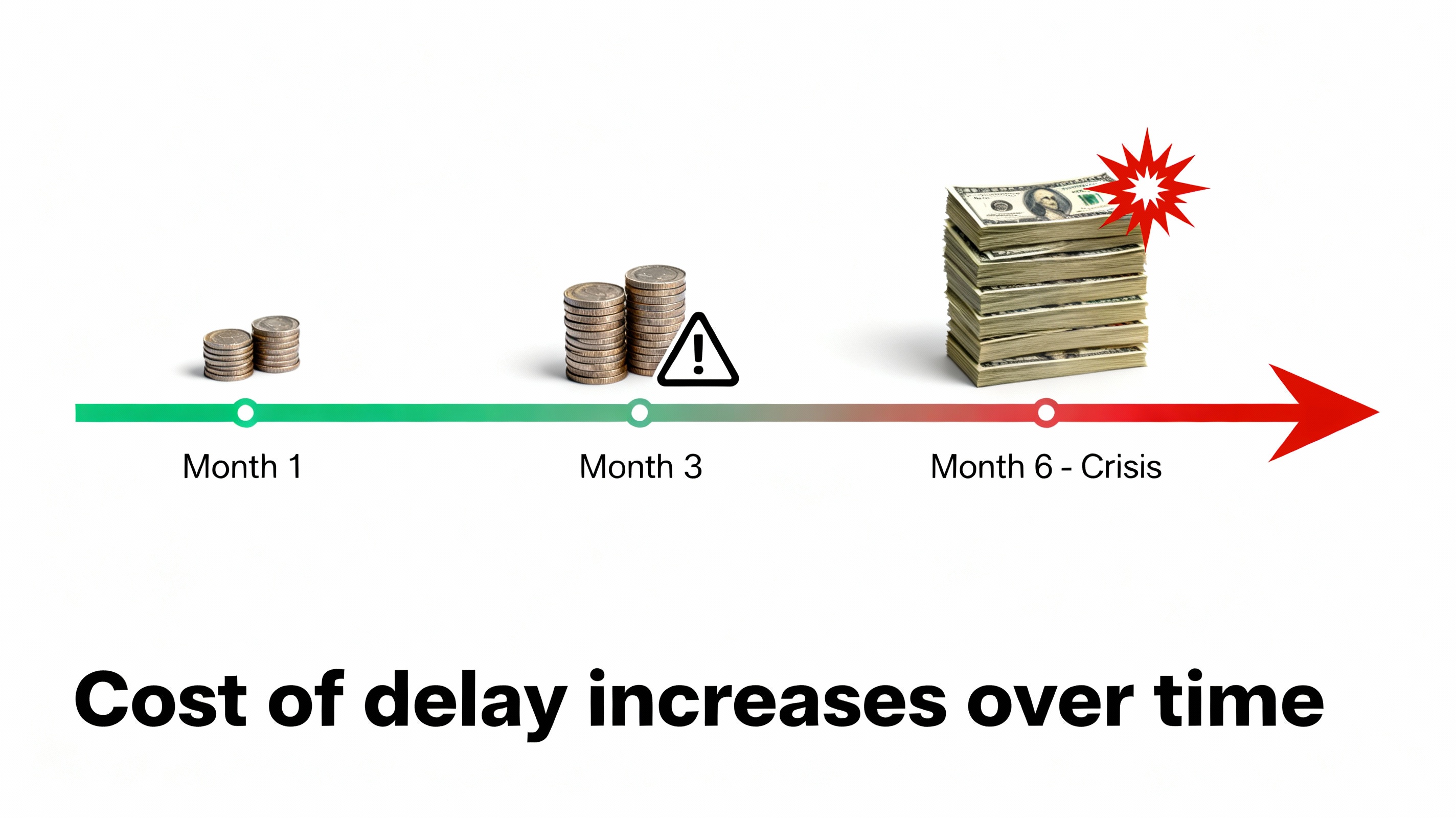
The real cost? A calm sourcing process becomes a crisis. Emergency sourcing costs 3-5x more than planned sourcing.
👤 Bottleneck: One Person Knows Everything
There's usually one person on the team who "knows" how the BOM spreadsheet actually works.
They created it years ago. They understand the structure. They remember why formulas are organized the way they are. They know which sheets are important and which are just for reference.
That person is a critical bottleneck.
What happens when they're unavailable:
- They take vacation: BOM doesn't get updated for two weeks
- They get sick: Team scrambles to find the "right" version
- They leave the company: Knowledge walks out the door
And for new team members:
- Onboarding includes "learning the BOM spreadsheet"
- Takes a week just to understand the structure
- Unclear formulas cause confusion
- Comments explain outdated logic nobody remembers why it's there
A tool that should be accessible to the entire team becomes a specialized skill owned by one person.
🐛 Human Error at Scale
You have 100 components. 9 possible lifecycle statuses. Multiple suppliers. All updated manually.
Mistakes multiply.
Common errors:
- Typos in part numbers → component never found in database
- Copy-paste errors → wrong data in wrong row
- Misread supplier website → incorrect status entered
- Forgotten updates → data gaps nobody notices until later
- Conflicting information → different people have different answers
One typo? It cascades through your entire production pipeline.
A designer picks a component based on bad data. Manufacturing orders it. Quality can't trace it. Customers get the wrong part.
The scary part: You often don't know the error exists until something goes wrong in production.
💸 The Hidden Cost of "Free" Spreadsheets
Excel feels free. But what's the actual cost?
Time spent on spreadsheets:
- Checking supplier websites manually: 2-4 hours per week
- Updating the spreadsheet: 3-5 hours per week
- Troubleshooting version conflicts: 1-2 hours per week
- Fixing errors and typos: 1-3 hours per week
- Training new team members: 8-16 hours per person
That's 200-400 hours per year. Per person. Per BOM.
Multiply that across your team:
- Procurement: 300+ hours/year
- Engineering: 300+ hours/year
- Manufacturing: 200+ hours/year
- Quality: 100+ hours/year
Total: 900+ hours per year = $45,000-$90,000 in labor costs (assuming $50-100/hour).
And that doesn't include:
Crisis costs:
- 8-12 hours per EOL-discovery crisis = $400-$1,200 per incident
- Expedited sourcing premiums: 30-50% markup on parts = $5,000-$15,000 per incident
- Production delays: $500-$2,000 per hour of downtime
- Emergency redesign: $10,000-$50,000 depending on complexity
One missed EOL can cost more than a year's salary for the person managing it.
What Centralized Tracking Does Differently
✅ Single Source of Truth
One dashboard. One data source. Everyone sees the exact same component status at the exact same time.
No more:
- Version confusion ("which file is real?")
- Conflicting information ("I saw something different")
- Lost updates ("didn't know you changed that")
Instead:
- When a component status changes, the entire team knows instantly
- No guesswork about which version is current
- Transparency across procurement, engineering, manufacturing, and quality
🔄 Real-Time Updates
Components don't wait for you to manually check them.
Automated systems continuously monitor supplier sources. When a component transitions from:
- Active → NRND: Alert
- NRND → EOL: Alert
- EOL → LTB: Alert
- LTB → Obsolete: Alert
You get notified before the window closes. You have time to plan. You're not reacting to a crisis.
🎯 Instant Insights
Instead of spending 3-4 hours digging through spreadsheets, searching websites, and reconciling data, you log in and see:
Dashboard shows:
- Which components are at highest risk (color-coded red/yellow/green)
- Upcoming EOL deadlines (sorted by urgency)
- Components already in Last Time Buy (need immediate decision)
- Historical timeline (exactly when did this component's status change?)
- Supplier contact info (who to call if you have questions)
What used to take hours takes 5 minutes.
👥 Team Visibility and Collaboration
Everyone on your team—designers, procurement, managers, quality—can access the same BOM at the same time.
No more:
- "I didn't know that component was EOL"
- "I have a different version than you"
- "That change didn't make it to my copy"
- Knowledge bottlenecks where one person controls all information
Instead:
- Designers see component status while designing
- Procurement plans sourcing proactively
- Managers know what's at risk weeks in advance
- Quality can trace components to understand risk
💰 Transparent, Predictable Costs
Real-time tracking means:
- 5 minutes per week monitoring BOM status (vs. 10 hours per week manually)
- Automated alerts catch issues 6+ months early (vs. discovering them mid-crisis)
- Proactive sourcing during calm periods (vs. expensive emergency hunting)
- Planned redesigns with allocated resources (vs. panicked last-minute changes)
The math:
One prevented production delay = $10,000-$50,000 saved
One avoided emergency redesign = $20,000-$100,000 saved
One crisis averted = 16+ hours of team time recovered
Most companies see ROI in the first month.
Manual Tracking vs. Centralized Automation
Manual Tracking: Common Reality
Process:
- Open supplier websites (one by one)
- Search for part number
- Check status (hopefully hasn't changed since last check)
- Go back to spreadsheet
- Update the cell (if you remember to)
- Repeat for every component in your BOM
- Send email to team saying "BOM updated" (maybe)
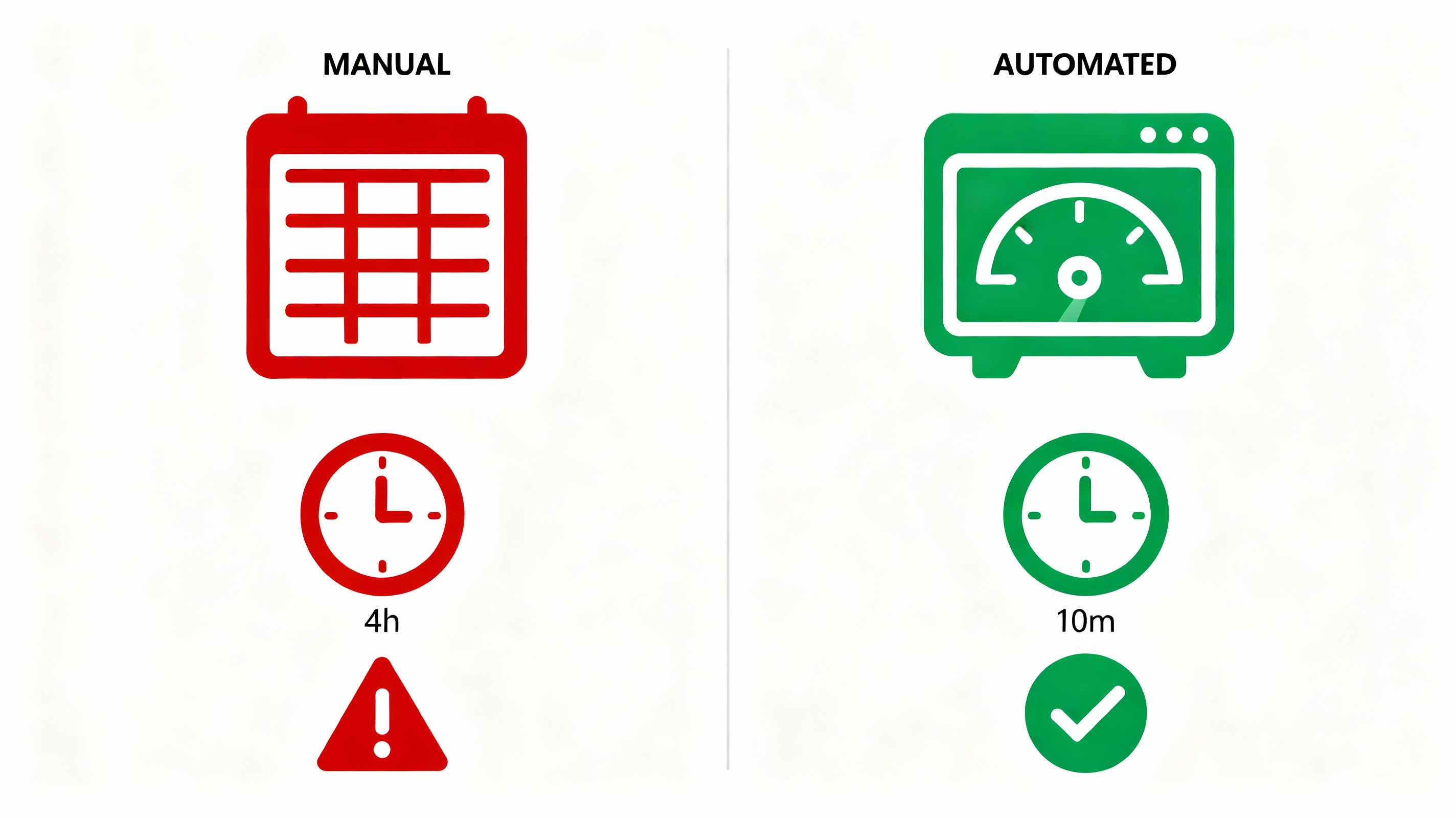
Time per BOM: 2-4 hours minimum. Per week if you want current data.
Accuracy: Error-prone (human mistakes at every step)
Team visibility: Limited (one person owns the data)
Scalability: Breaks down with 200+ components or multiple BOMs
Centralized Automation: How It Works
Process:
- Upload your BOM once (CSV, Excel, or custom format)
- System connects to supplier databases
- Continuous monitoring (no manual checking needed)
- Automatic alerts when status changes
- Dashboard displays real-time component status
- Team members access via secure dashboard
- Historical data stored automatically
Time per BOM: 10 minutes to set up. Automatic updates after that.
Accuracy: Consistent (data directly from suppliers, no human transcription)
Team visibility: Complete (entire team sees the same data)
Scalability: Handles unlimited BOMs easily
The True Cost of Waiting
Every day your BOM stays in spreadsheets:
- Your team loses 2-4 hours to manual checking
- You're one supplier announcement away from a crisis
- Your competitors are getting real-time alerts while you update Excel
- New components get added to your BOM without lifecycle visibility
- EOL notices pile up in your inbox (or worse, get missed entirely)
The longer you wait to automate, the more expensive it becomes when a crisis finally hits.
And it will hit. Component obsolescence isn't a "maybe." It's inevitable. The only question is whether you see it coming or discover it mid-production.
Getting Started
The transition from spreadsheets to intelligent automation doesn't require:
- Months of implementation
- IT department involvement
- Custom integration
- Expensive upfront investment
It requires:
- Your BOM (in whatever format you have it)
- 10 minutes to set up
- One person to invite their team to the dashboard
That's it.
Next Steps
Ready to move beyond spreadsheets?
schedule a quick conversation with our team. We'll talk about your specific BOM challenges and what centralized tracking could do for your workflow.